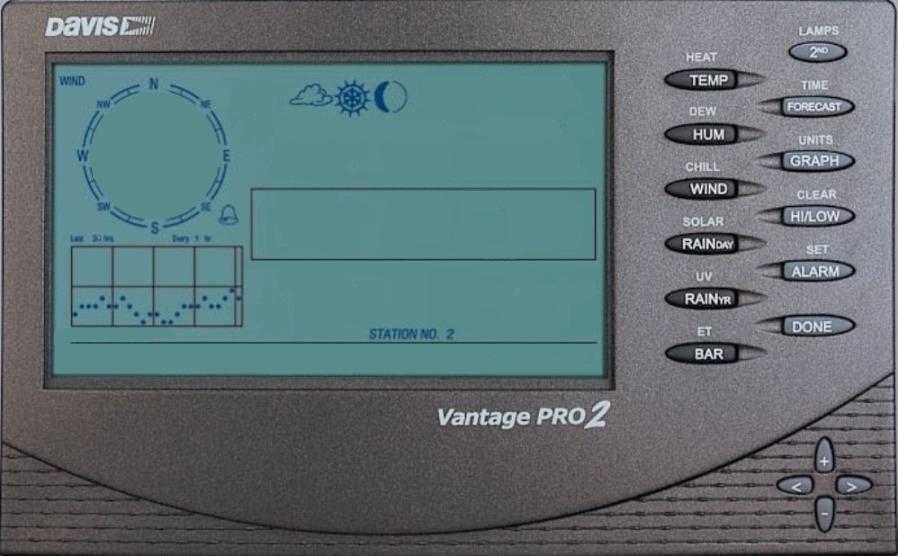
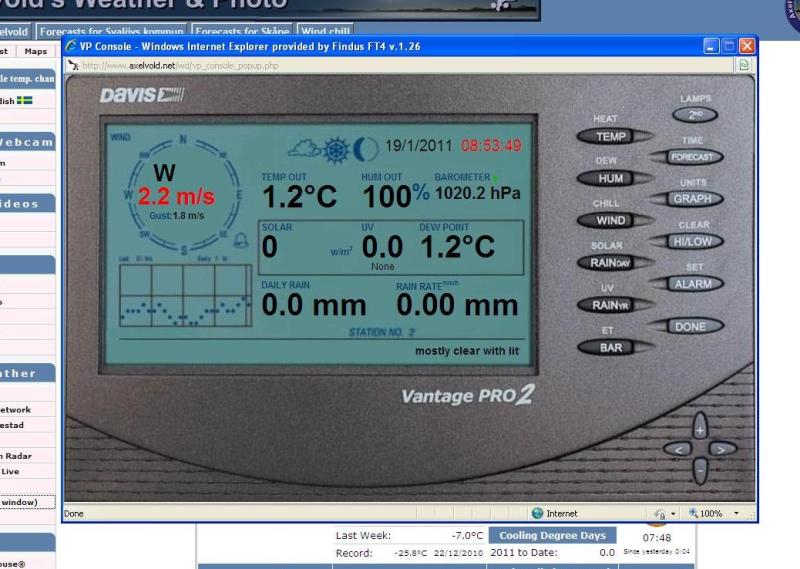
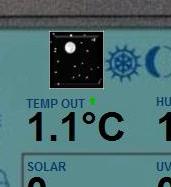
Weather data is displayed in a Davis Vantage Pro2 Console, see screen dump.
Page use the version 2.20 of ajaxWDwx.js and testtags.php and you need to have the real time clientraw update enabled in WD.
vp_console.zip (63.7 KB)
Weather data is displayed in a Davis Vantage Pro2 Console, see screen dump.
Page use the version 2.20 of ajaxWDwx.js and testtags.php and you need to have the real time clientraw update enabled in WD.
vp_console.zip (63.7 KB)
Very Neat…and it works too 
If you use this so will the console page open up just like the screen dump I posted.
<a target="_blank" href="vp_console.php" title="VP Console" onclick="window.open(this.href, '', 'width=896,height=554,scrollbars=no,status=no,resizable=no,toolbar=no,menubar=no'); return false">VP Console</a>
Hi Axelvold
Great work! But I cant get buttons on the console working :lol: :lol: :lol: :lol: :lol: :lol:
Best regards,
Henrik
Ps. An idea could be to have ajax print the current icon too?
Does any one know how I could extract the icons from the real console and save them as images?
http://travelingrvwx.com/vp_console.php
Just need the Vue console #-o
Seems to be updating with ajax also…
Looks nice, maybe I could do one for the Vue console as well. 
Great work! But I cant get buttons on the console workingha ha ha!
I’m working on it.
I just have to finish the Vue page first.
<span class="ajax" id="ajaxconditionicon2"><img src="<?php echo $imagesDir . newIcon($iconnumber) ?></span>
Maybe like this?
http://www.stenestad-vader.com/wx/vp_console.php
Edit: used this code:
<span style="font-family: arial, san serif; font-size: 20px; color: #003366; float: left; position: absolute; top: 82px; left: 255px;"><?echo $noaacityname;?></span>
<span class="ajax" id="ajaxdate" style="font-family: arial, san serif; font-size: 20px; color: #003366; float: left; position: absolute; top: 82px; left: 355px;"><?echo $date;?></span>
<span class="ajax" id="ajaxtime" style="font-family: arial, san serif; font-size: 20px; color: #003366; float: left; position: absolute; top: 82px; left: 455px;"><?echo $time;?></span>
<span class="ajax" id="ajaxconditionicon2" style=" float: left; position: absolute; top:66px; left: 542px;"><?php print $forecasticons; ?></span>
Bertil
if you change the code, use the image below
vp_console.jpg.zip (67.8 KB)
Nice Bertil 
I just put the 2 files on my webserver and it works ok here… http://travelingrvwx.com/vp_console.php
I’m in the progress of making the buttons on the console to work.
Take a peek at my website, click on VP Console in the menu to the left.
When I’m finished I will make it available in this thread.
Looks great I have mine working here http://www.sunprairieweather.com/wx_vp_console.php Looking forward to adding the buttons.
I’m looking forward to that too
Now is the following button working:
heat, temp, dew, hum, chill, wind, solar, rain day, UV, rain yr, et and bar (it’s nothing fancy but it’s working)
And there is a choice to disable the forecast button if you want to (you have to upload a mp3 file with the forecast)
And the last button is “Done” that will close the window if you have it to open in a new window. (this could also be disabled)
Download zip file here or save the files attached.
(if you want to see it in action before you download, go to my website and click on VP Console in the menu)
Edit:
Attached files to this post.
vp_console.zip (6.73 KB)
Many thanks…Downloaded…will have a go with it tomorrow. 
New update to the main file.
I have added an option to choose either to show or not to show the forecasticon.
Important, the size of the forecasticon must be 55*58 or they wont be displayed right on the console.
If you use another icon size you could make a copy of your “ajaxWDwx.js” and save that to “ajaxWDwx2.js” and change the icon size in that file.
vp_console.php.txt (8.68 KB)
I am really impressed with what you have done !